Administration
The Administration section covers everything needed to manage a ChurchCRM installation. Access these settings through the Admin menu in the left navigation.
Configuration & Settings
- Settings Quick Reference — Find any setting by task or UI location
- System Settings & Configuration — Complete guide to all configurable settings
- Localization & Formats — Language, timezone, date/time, number formats
- Email Setup — Configure SMTP and email features
- Maps & Geocoding — OpenStreetMap / Nominatim (no API key required)
- Member Portal — Settings, statistics and shared calendars for the member-facing portal
- Church Themes — Give the Member Portal your church's look
Users, Permissions & Security
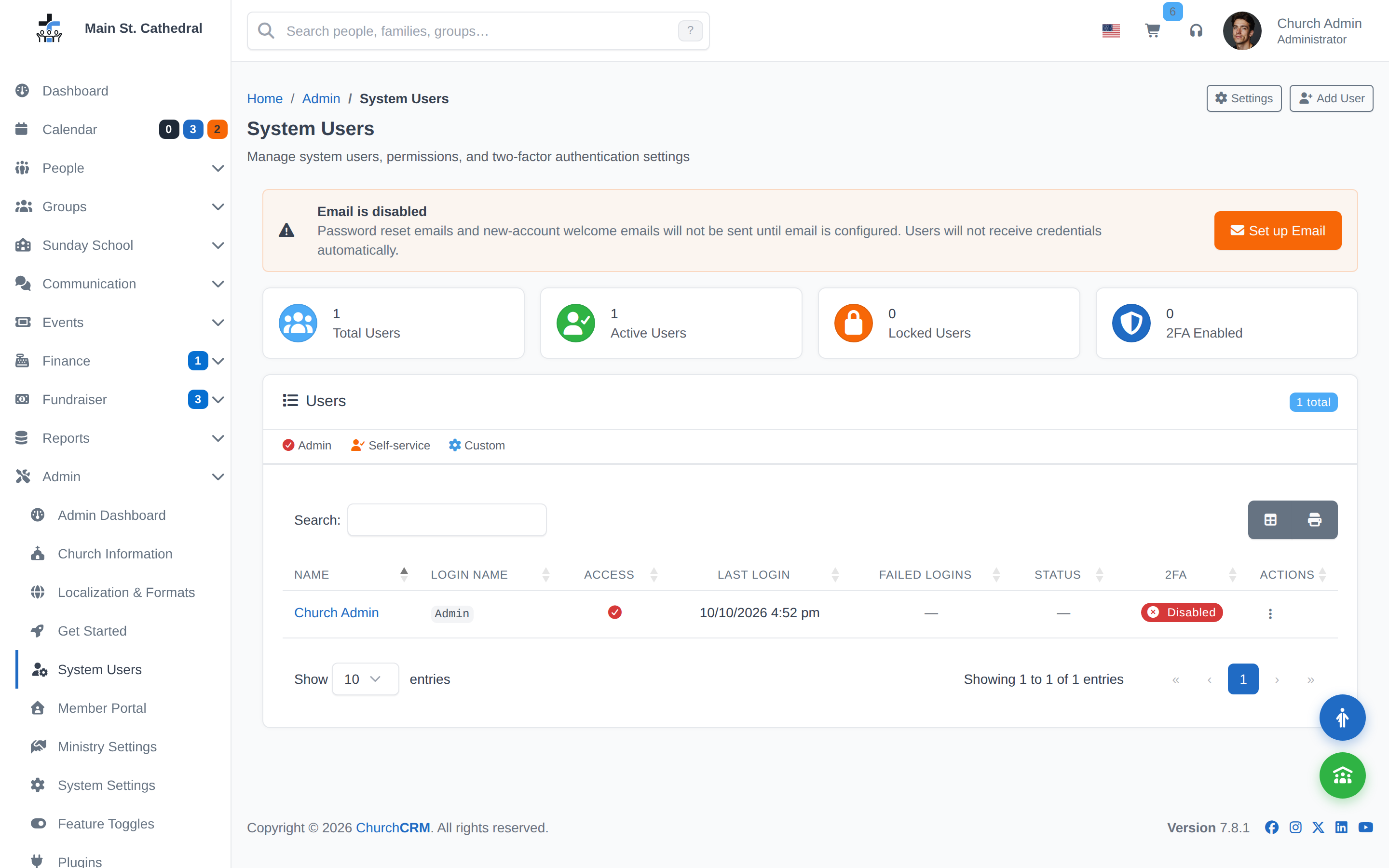
- User Management — Add, edit, and configure user accounts and permissions
- Security — HTTPS requirements, role-based access control, and granular permissions
- Two-Factor Authentication — Enable and manage 2FA for users
Maintenance & Support
- Backup & Restore — Configure automatic and manual database backups
- Importing Demo Data — Load fictional families and groups on a fresh installation
- Upgrade Guide — Upgrade ChurchCRM to the latest version
- Rollback — Restore a previous version or database backup
- File System Permissions — Set correct permissions for your web server
- Reset Password — Recover access when the admin password is lost
- Logging & Diagnostics — Access and interpret application logs
- Bug Reporting & Diagnostics — Report issues with useful diagnostic information
- Troubleshooting — Diagnose and resolve common problems
- FAQs — Frequently asked questions
Development & Advanced
- Reporting Issues — How to report bugs and request support
- Docker Development Environment — Development containers, npm scripts, and troubleshooting
Can't find what you need? Ask in Discord, or open an issue on the ChurchCRM repository.